(Ⅲ) mocap4ros2_nokov
ROS2 version: Rolling, Ubuntu version: 20.04
Ⅰ. Create Workspace
mkdir -p ~/mocap4r2_ws/src && cd ~/mocap4r2_ws/src
Ⅱ. Pull mocap4ros2_nokov Source Code
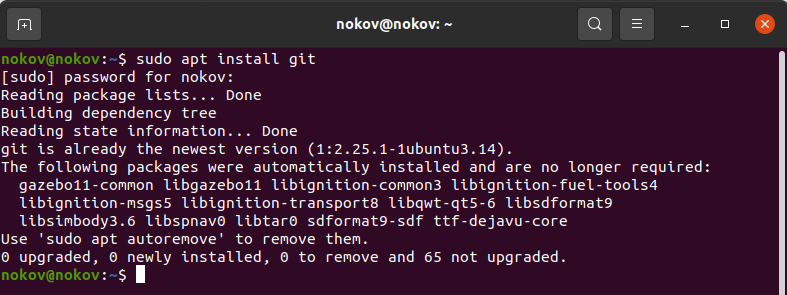
sudo apt install git
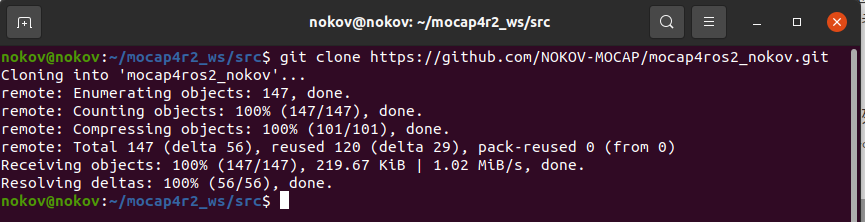
git clone https://github.com/NOKOV-MOCAP/mocap4ros2_nokov.git
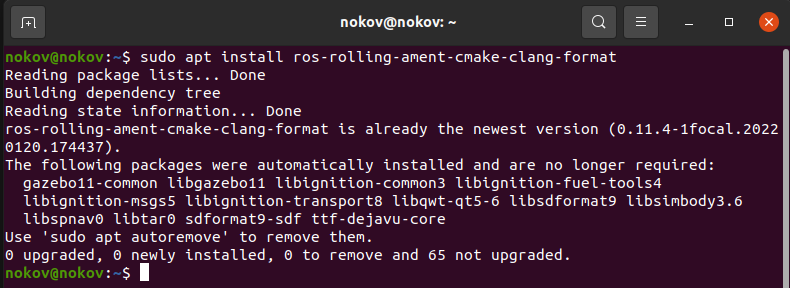
Ⅲ. Install Related Dependencies
sudo apt install ros-rolling-ament-cmake-clang-format
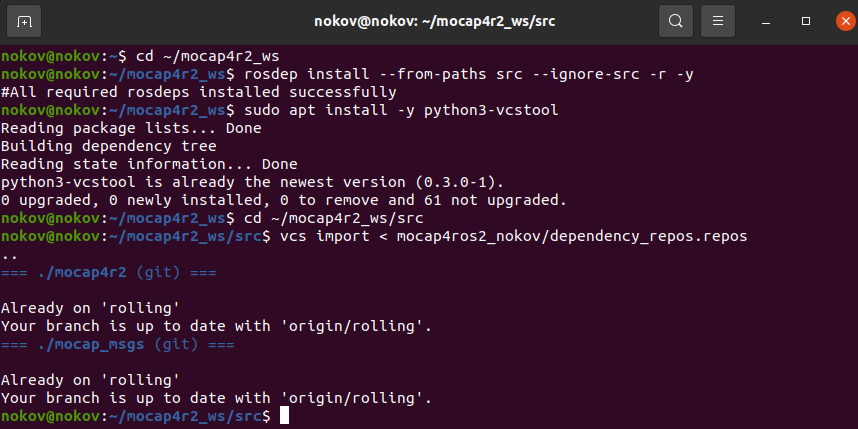
cd ~/mocap4r2_ws
rosdep install --from-paths src --ignore-src -r -y
sudo apt install -y python3-vcstool
cd ~/mocap4r2_ws/src
vcs import < mocap4ros2_nokov/dependency_repos.repos
Ⅳ. Build Workspace
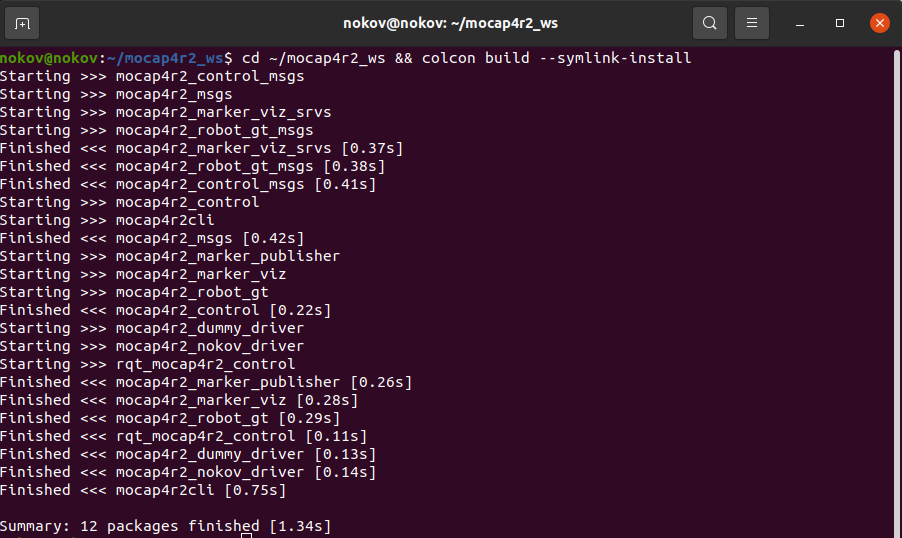
cd ~/mocap4r2_ws && colcon build --symlink-install
Ⅴ. Configure Environment
source ~/mocap4r2_ws/install/setup.bash
echo 'source ~/mocap4r2_ws/install/setup.bash' >> ~/.bashrc

Ⅵ. Enable SDK
- In the motion capture software data broadcast, select the address on the host that is on the same network segment as the onboard computer. Set the mode to multicast, select global for skeleton coordinates, and enable SDK.
.png)
Ⅶ. Configure mocap4r2_nokov_driver_params.yaml File
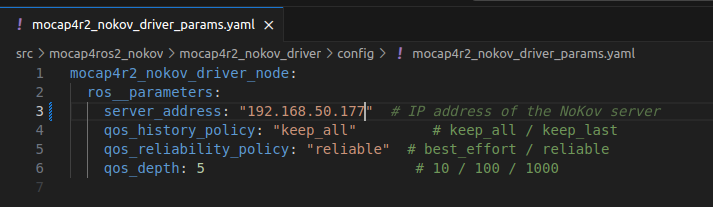
- This configuration file is in the ~/mocap4r2_ws/src/mocap4ros2_nokov/mocap4r2_nokov_driver/config directory. In this file, server_address is consistent with the address selected in data broadcast, which is 192.168.50.177; qos_history_policy is the history policy, keep_last only stores the last N messages (N is determined by queue depth), keep_all stores all messages until memory is exhausted; qos_reliability_policy is the reliability policy, reliable ensures message delivery but may increase latency, best_effort tries to send messages, may lose messages but has lower latency; qos_depth is the queue depth, effective when history policy="keep_last", recommended values: real-time control (1-10), sensor data (10-100), high-volume data (100+).
Ⅷ. Launch mocap4ros2_nokov
- Use the following command to launch mocap4ros2_nokov.
ros2 launch mocap4r2_nokov_driver mocap4r2_nokov_driver_launch.py
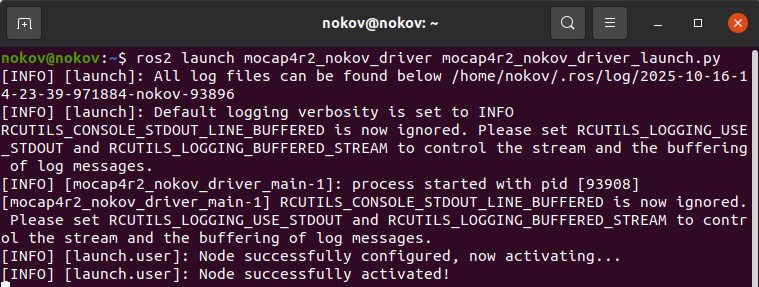
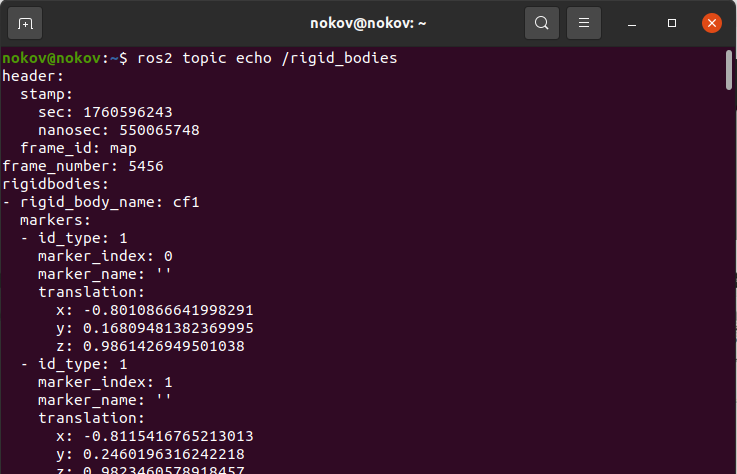
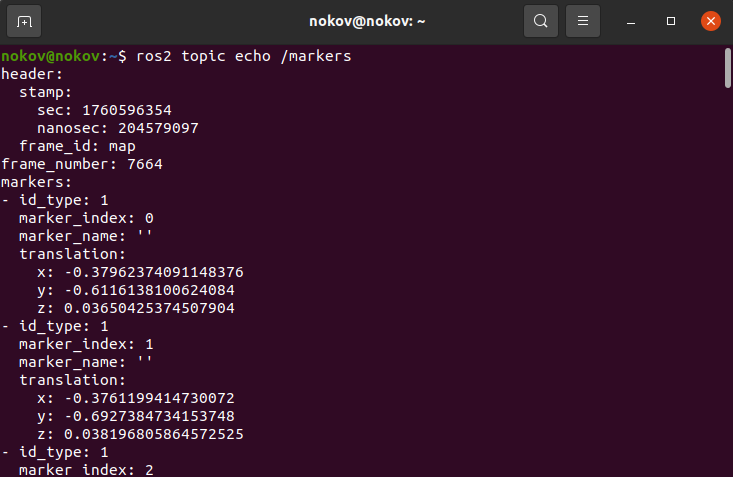
- Open another terminal and view rigid body and unnamed marker point position data.
ros2 topic echo /rigid_bodies
ros2 topic echo /markers
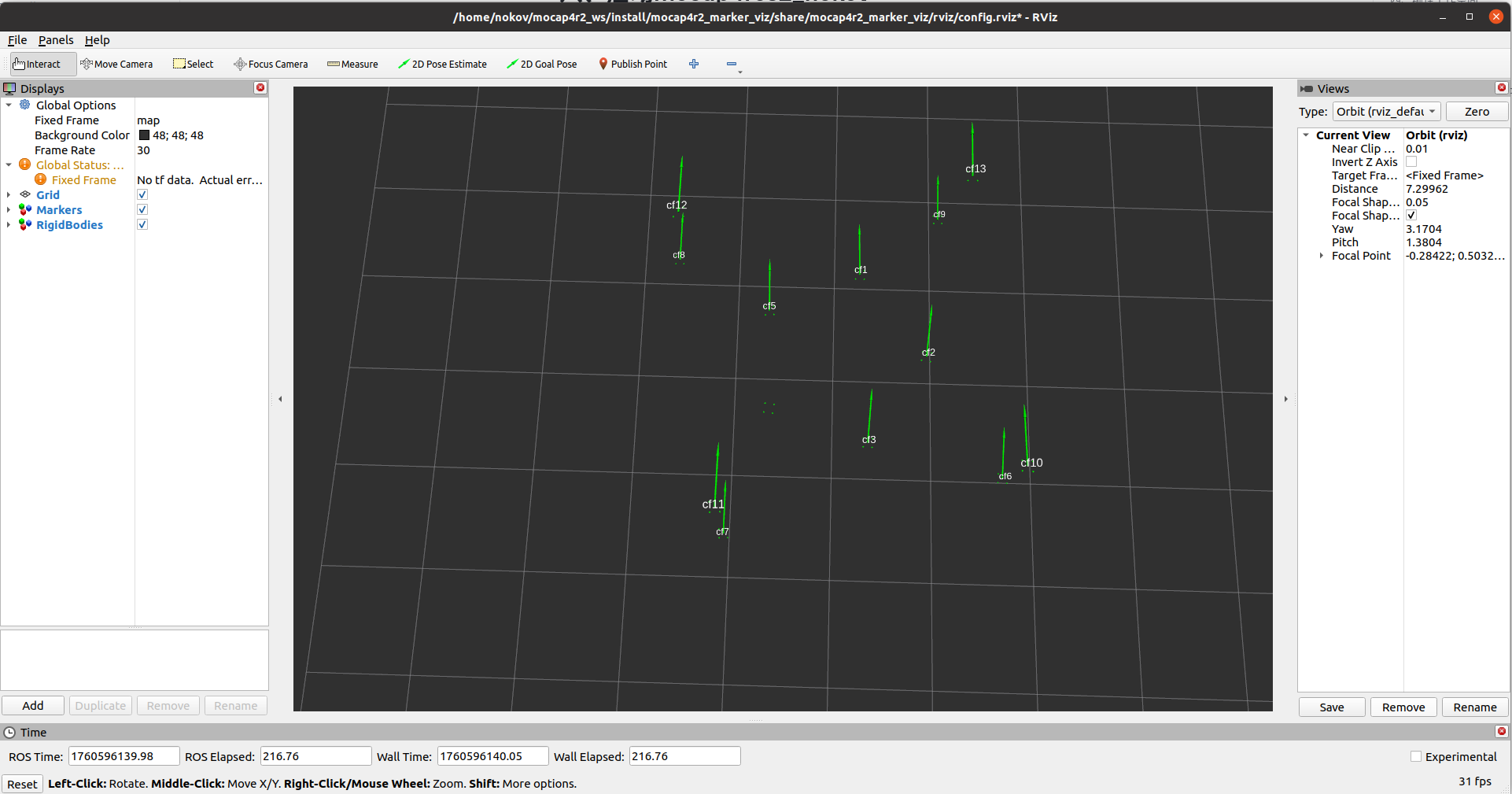
- Open another terminal and use the following command to display marker points on rviz.
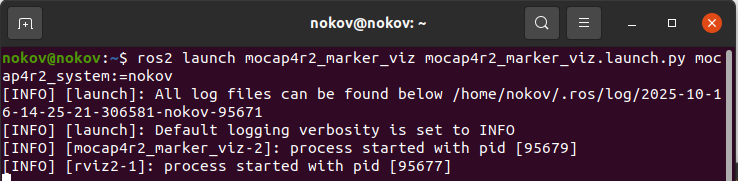
ros2 launch mocap4r2_marker_viz mocap4r2_marker_viz.launch.py mocap4r2_system:=nokov