Ⅵ. ArduPilot Flight Controller
Ⅰ. Flashing ArduPilot Firmware
Open QGC ground station directly, click to the firmware interface in the software, plug in USB, select the firmware type, and click flash. The steps are shown in the figure below.
.png)
Device Configuration
.png)
Flashing ArduPilot Firmware
Ⅱ. Drone Flight Configuration
After flashing the firmware, calibrate the remote control and configure the flight mode. The steps are as follows.
.png)
Device Configuration
.png)
Remote Control Calibration
.png)
Flight Mode Test
.png)
Remote Control Calibration and Flight Configuration
Since the drone is connected to motion capture for indoor flight, some parameter configurations need to be modified to connect to motion capture data. The configuration modifications are as follows:
AHRS_EKF_TYPE=3
EK3_ENABLE=1
EK2_ENABLE=0
COMPASS_USE=0
COMPASS_USE2=0
COMPASS_USE3=0
VISO_TYPE=1
EK3_SRC1_POSXY=6
EK3_SRC1_POSZ=6
EK3_SRC1_YAW=6
EK3_SRC1_VELXY=0
EK3_SRC1_VELZ=0
.png)
Device Settings
.png)
Motion Capture Connection Parameter Configuration
While modifying the configuration, the safety checks that are disabled during unlocking should also be turned off. The steps are as follows.
.png)
Disable Safety Checks
.png)
Unlock Check Configuration
.png)
Safety Settings
.png)
Safety Configuration Diagram
Ⅲ. MAVProxy Motion Capture Data Forwarding Instructions
- Download MAVProxy XINGYING-4.x branch code from Nokov official repository.
git clone -b XINGYING-4.x https://github.com/NOKOV-MOCAP/MAVProxy.git --recursive
.png)
Pull Code
- Download XING_Python_SDK and extract it.
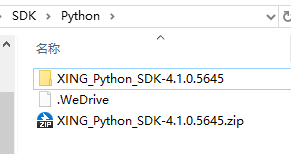
Download Python SDK
- Find the nokov folder in the XING_Python_SDK-4.1.0.5645\dist\nokovpy-3.0.1-py3.9 directory.

nokov sdk
- Place the nokov folder from Python SDK into the following path: MAVProxy/modules/mavproxy_nokov
.png)
Place into mavproxy_nokov
- Modify
MAVProxy/modules/mavproxy_nokov/__init__.pyto send GPS_GLOBAL_ORIGIN to set the home position so that the drone icon can be displayed on the QGC interface. QGC can only take off the drone at a certain height after obtaining GPS_GLOBAL_ORIGIN, as shown in the figure below. Modify the code as follows. Fill in the three values below with the latitude, longitude, and altitude of the current location, which can be obtained through the compass app on an Android phone:
lat_deg = 30.458333    # North latitude is positive
lon_deg = 114.404167  # East longitude is positive
alt_m = 49.1          # Altitude in meters

# Convert to MAVLink format
lat_int = int(lat_deg * 1e7)
lon_int = int(lon_deg * 1e7)
alt_int = int(alt_m * 1e3)  # Convert meters to millimeters

nokov_module.master.mav.set_gps_global_origin_send(
        nokov_module.target_system,
        lat_int,
        lon_int,
        alt_int)
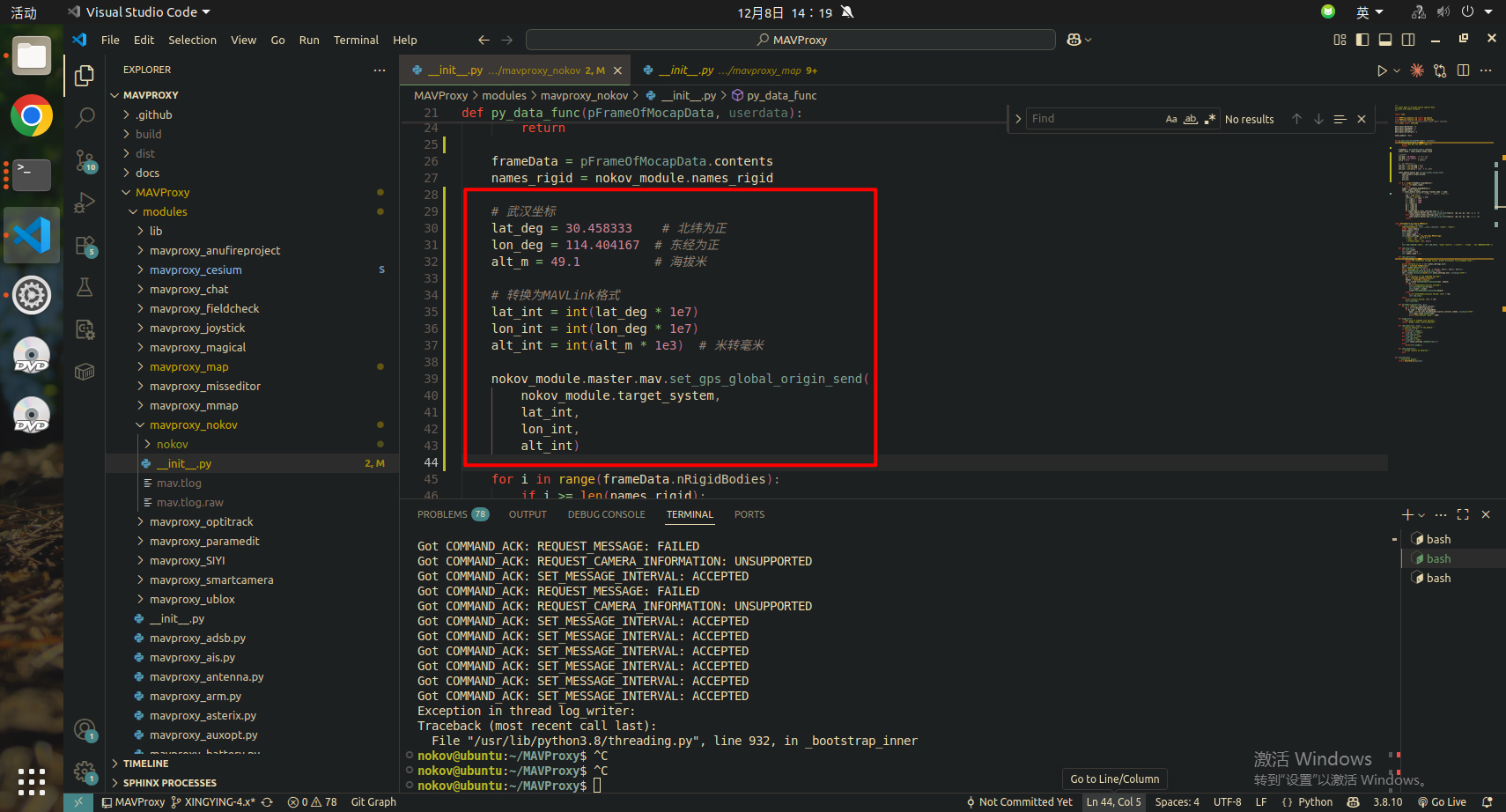
Send Origin Position
- Compile and install MAVProxy using the following command:
sudo python3 setup.py build install
.png)
Compile MAVProxy
- Install nokov_sdk using pip.
.png)
Install Python SDK
sudo pip3 install nokovpy-3.0.1-py3-none-any.whl
- Run the following command:
mavproxy.py --master=/dev/ttyACM0 --baudrate 57600 --out 192.168.5.213:14550
--master= content should be filled according to actual situation, which can be a drone or ground station. Motion capture data will be directly sent to the device specified by master.
.png)
mavproxy
Load: module load nokov
Set motion capture software IP: nokov set host --motion capture IP
Set tracker name (rigid body name): nokov set tracker_name --name
Set upward axis (according to motion capture software): nokov set axis --z or y
Start: nokov start
Stop: nokov stop
Ⅳ. Observing Motion Capture Data through QGroundControl
- Open QGroundControl, you can see the connection is successful. After MAVproxy sends latitude, longitude, and altitude data, the drone icon will appear on the map.
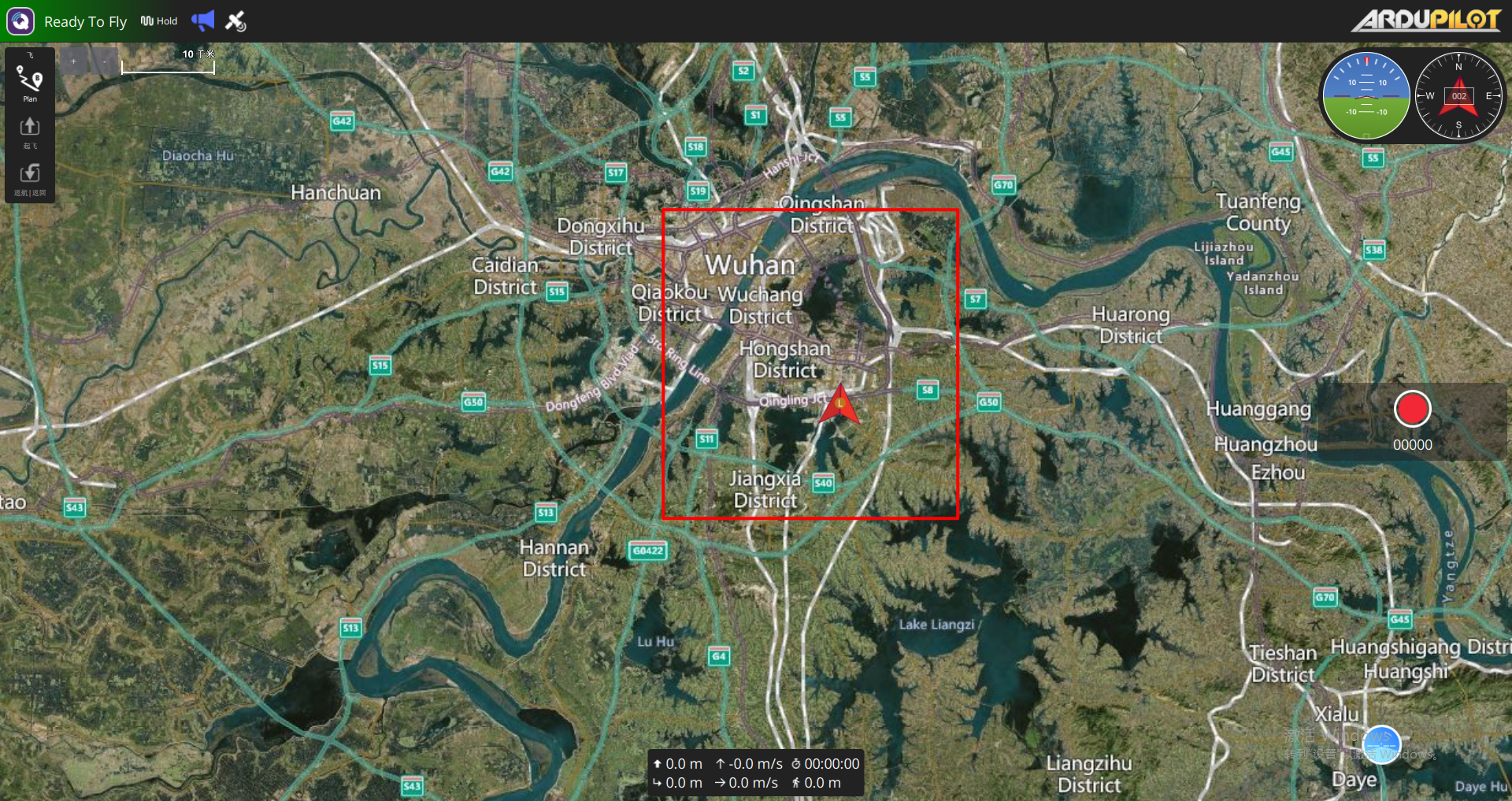
Ground Station Icon
- Open [Analyze Tools] [MAVLink Detection]. After loading, you should be able to see the latitude and longitude coordinate data in the GLOBAL_POSITION_INT parameter and the position data in the LOCAL_POSITION_NED parameter in the ground station. The position in the LOCAL_POSITION_NED parameter here is the data after fusion of the drone's sensors and motion capture data, which will not be completely consistent with the rigid body data in motion capture.
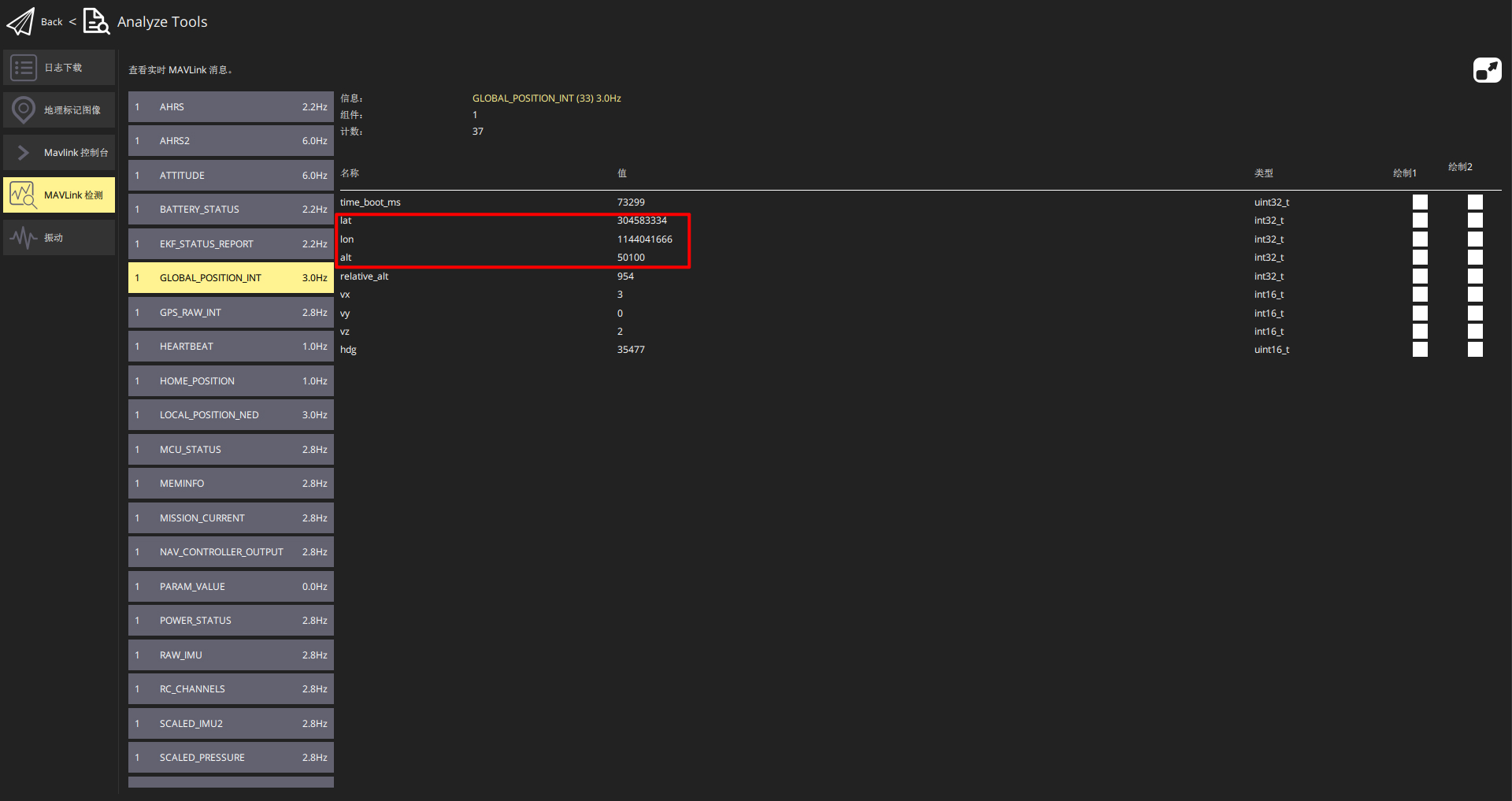
GLOBAL_POSITION_INT
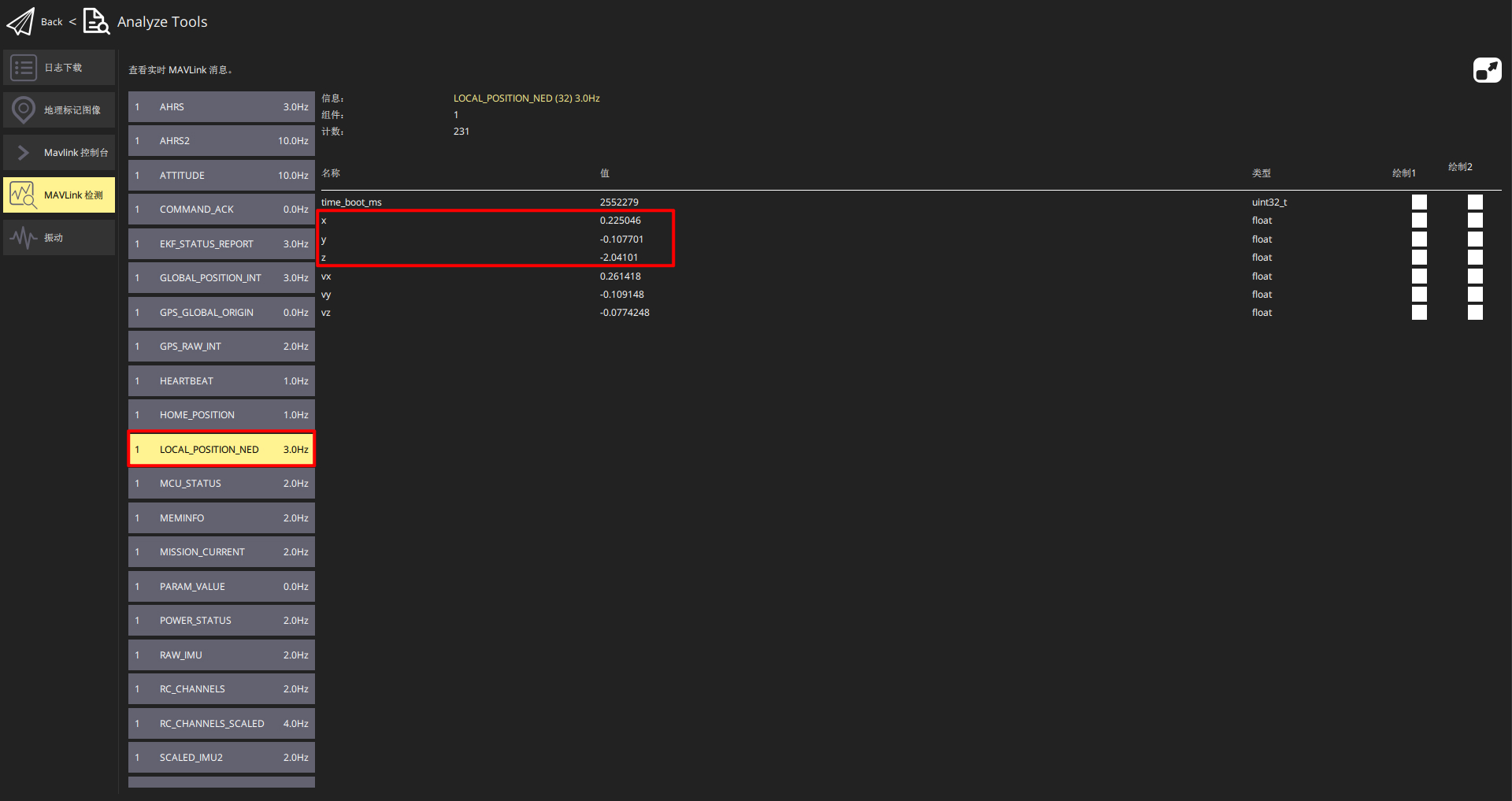
LOCAL_POSITION_NED